
🎉 Introducing Inliner: AI-Generated Stock Images, One URL Away

After months of work, I’m proud to release Inliner — a new way for developers, marketing teams, and designers to generate beautiful, contextual, and on-brand stock images using nothing more than a URL.
The Problem
Designing compelling landing pages, campaigns, or presentations often requires strong supporting imagery. Traditionally, this means:
- Scouring stock photo websites (Shutterstock, Pexels, etc.)
- Downloading images
- Cropping/resizing them to fit your layout
- Uploading to your server or CDN
This not only breaks flow but also wastes time. And let’s be honest: how often do we settle for an image that’s “good enough,” just to get the job done?
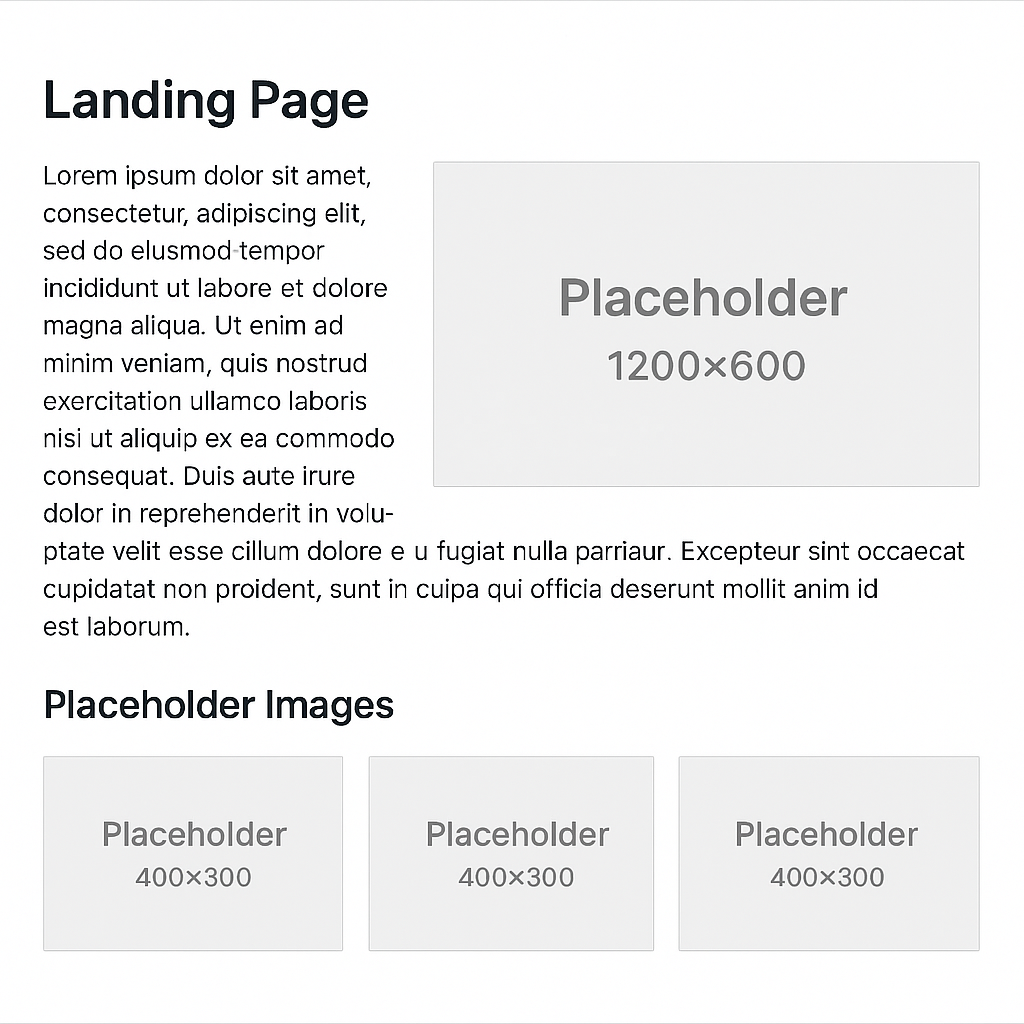
The Inliner Approach
What if you could generate and serve tailored stock images just by typing a descriptive URL?
Imagine this:
https://img.inliner.ai/your-project/your-image-description-1200x600.png
That’s it. No downloading. No cropping. Just describe the image in the filename — and you’re done.
You can define dimensions, tweak the style, or even edit images by chaining natural language instructions in the URL.
Step 1. Setup an account..
Just visit https://inliner.ai/register or click the button below
Step 2. Generate your first image
Want a 900x600 image of a real estate agent greeting clients holding a clipboard?

In seconds, this image is generated, cached, and delivered via CDN.
Ok great, we have a real estate agent but what if we wanted to make some edits.
Make Edits with Natural Language
No problem, just append the requested changes using natural language to the existing URL.
Let’s change the shirt to black, and adjust the image to a square 1200x1200 format:

Inliner smartly expands the canvas and in-paints any empty areas to support the new aspect ratio.
/my-image/edit-1/edit-2/edit-3/etc..
Use Your Own Media
Need your company’s logo in the image? Upload reference images to your project and refer to them in your prompt:
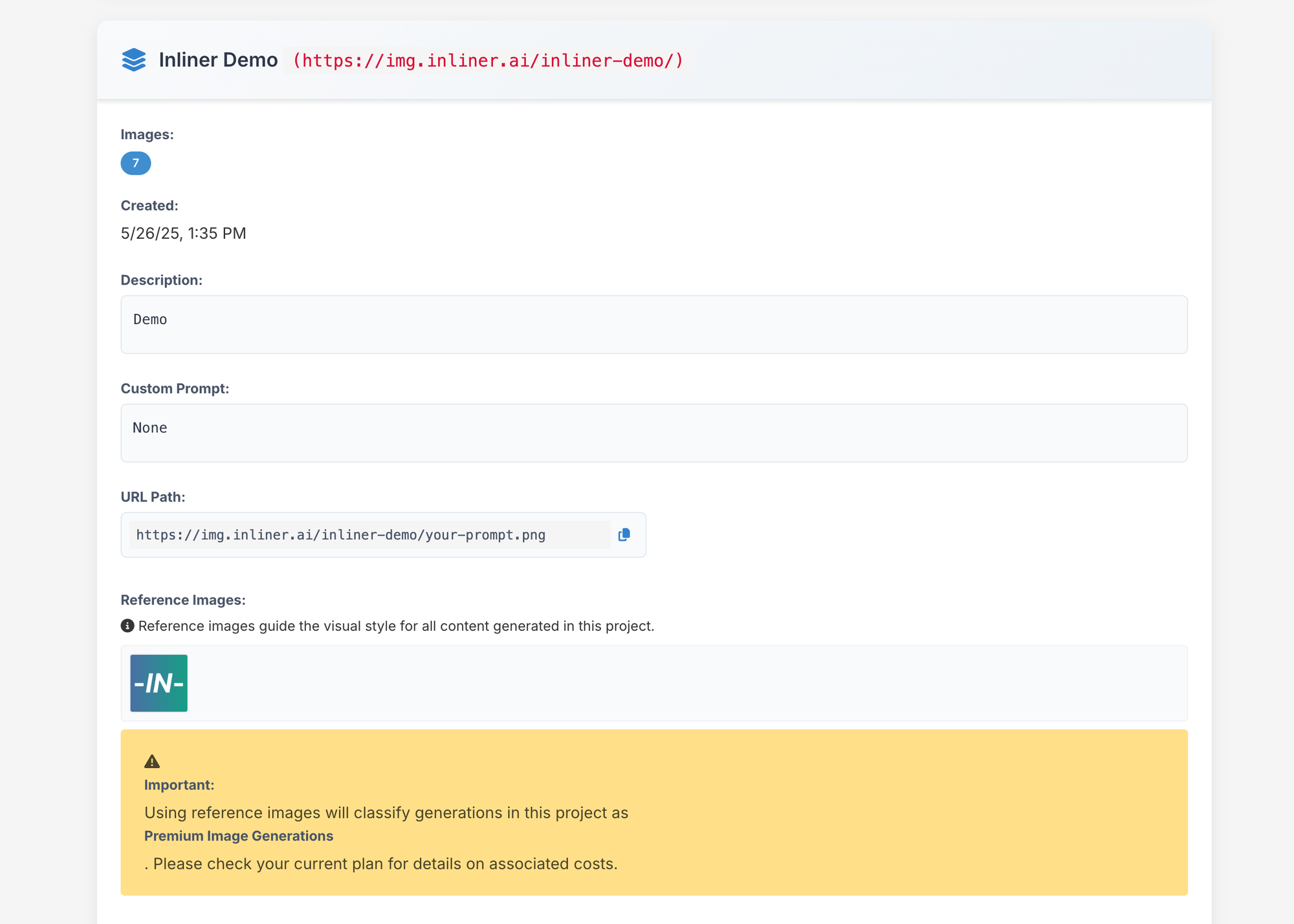
Note: Reference images require a premium model — see our pricing for details.
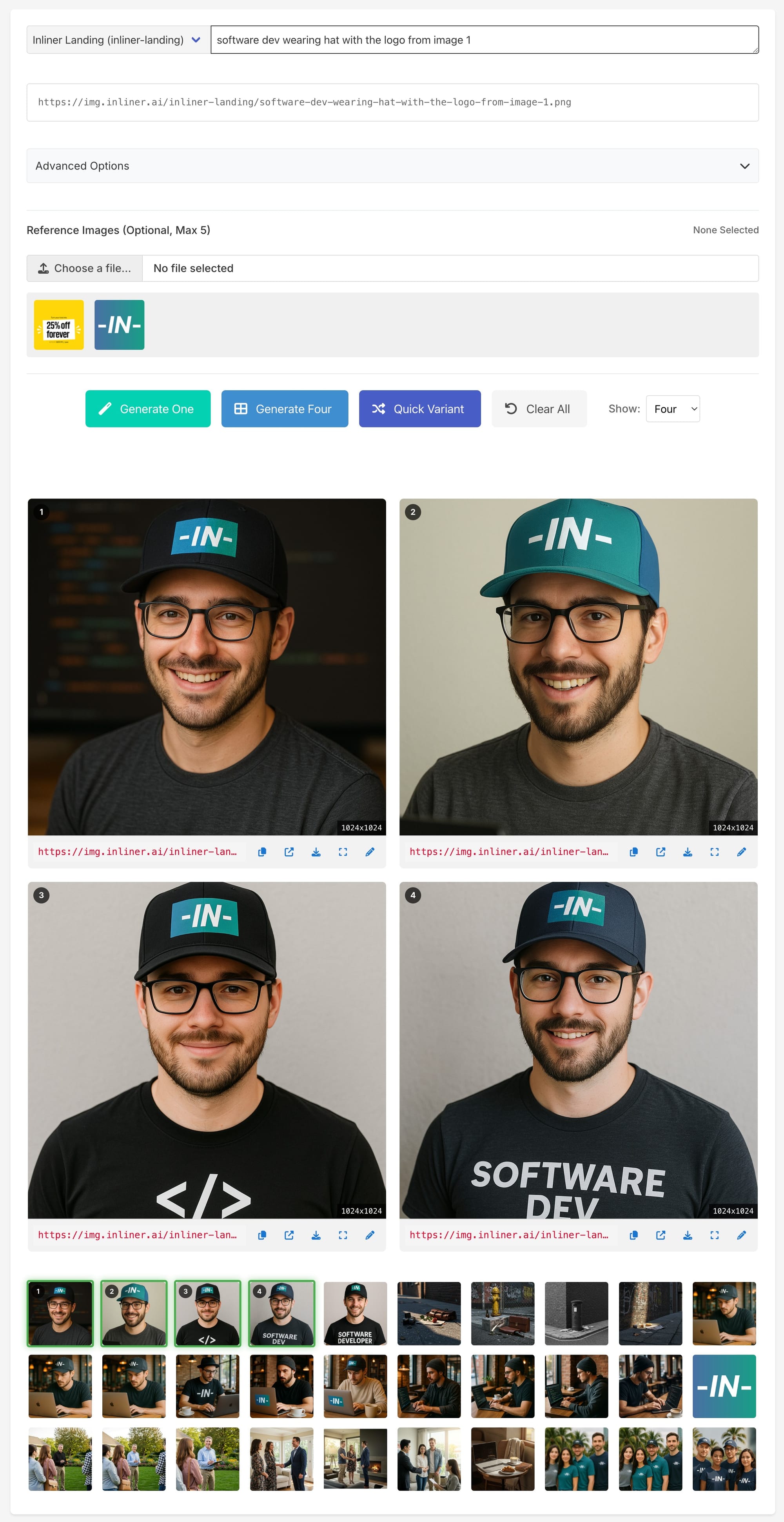
Now lets get an image of a dev wearing a hat with our logo.
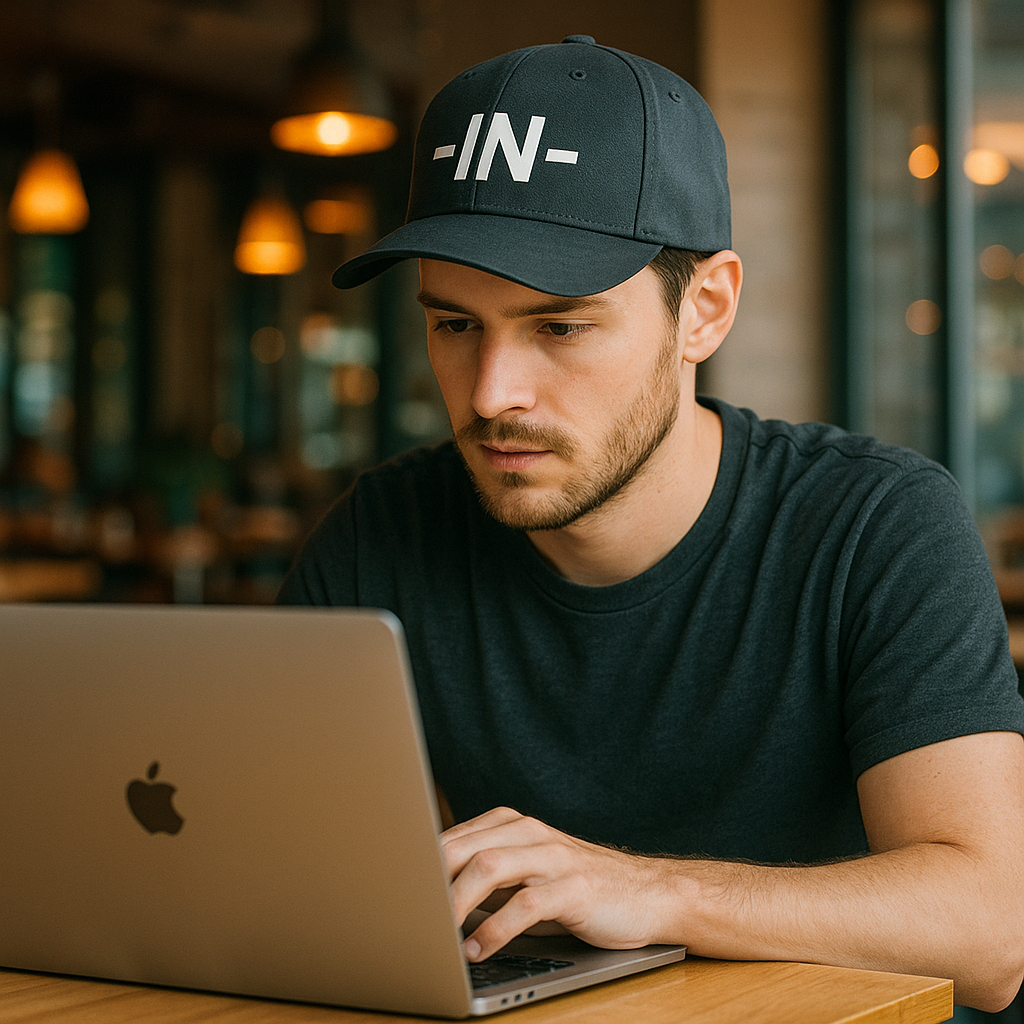
Want a wider banner version?
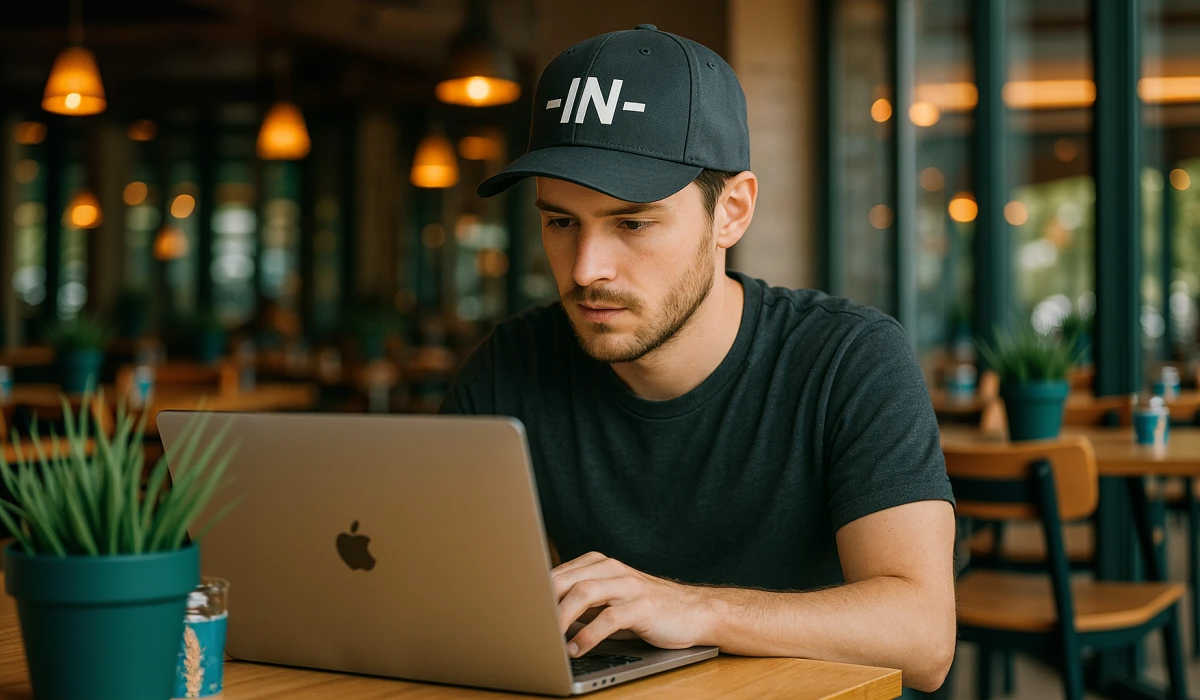
Boom. Done.
Need Variations? Use AI Studio
If you need multiple options to choose from, log in and use the AI Studio to rapidly generate and refine variations until you find the perfect fit.
🚀 Ready to Try?
Inliner is fast, flexible, and removes the friction of working with stock media. It’s ideal for:
- Dynamic landing pages
- Marketing campaigns
- Internal and client presentations
- Product visuals and hero sections
- Website graphics
- Logos
And I’d love your feedback — email me at natan@inliner.ai and let me know what you build.